
Think without the feed.
A native Mac notes app for writing and linking ideas. Madrid steps back when you pause.
No performance, no nudges.
Install the Mac app, sign in, subscribe in Settings.
One window, your words, and the links between them. Everything else stays out of the way.
Writing
An editor that steps back
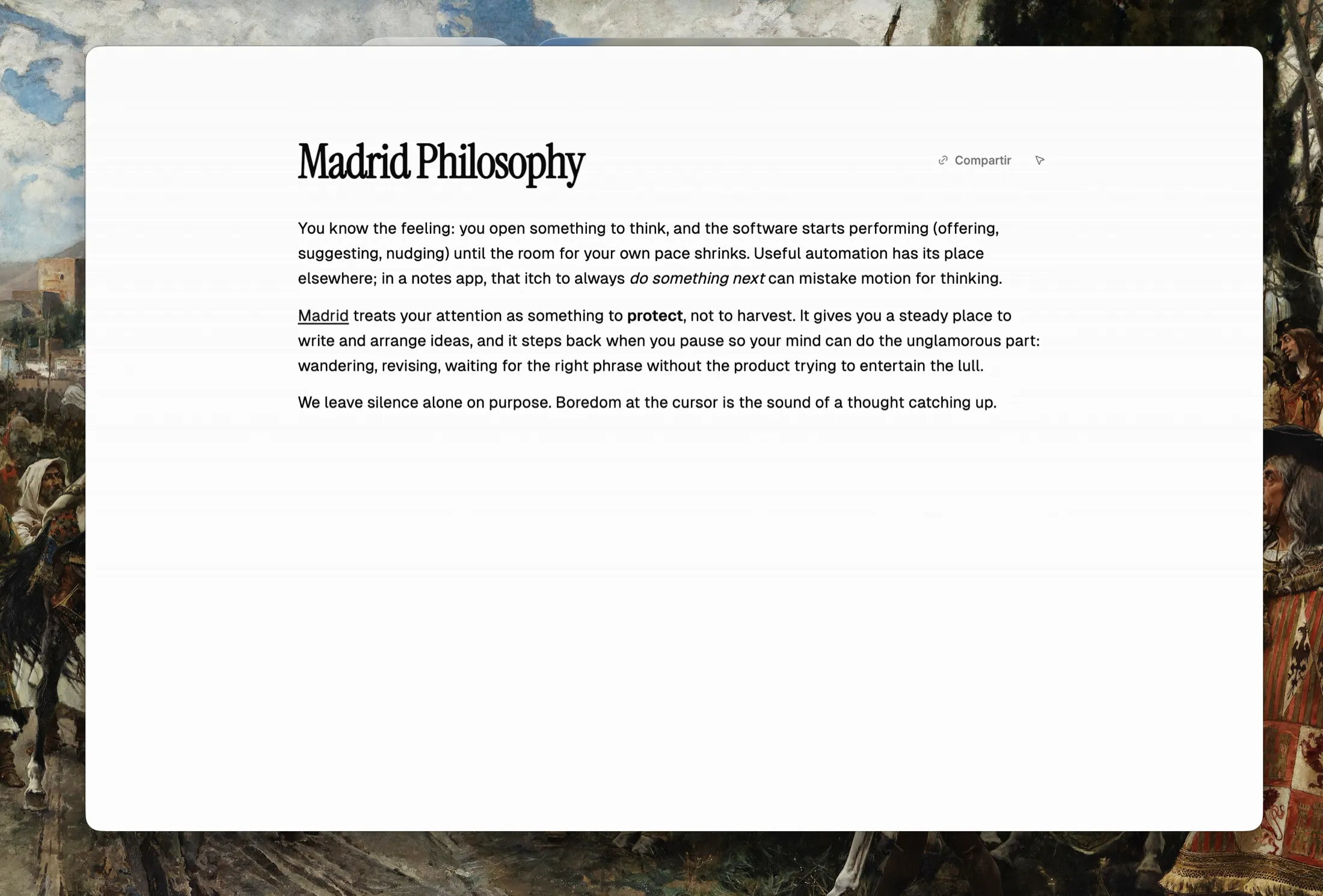
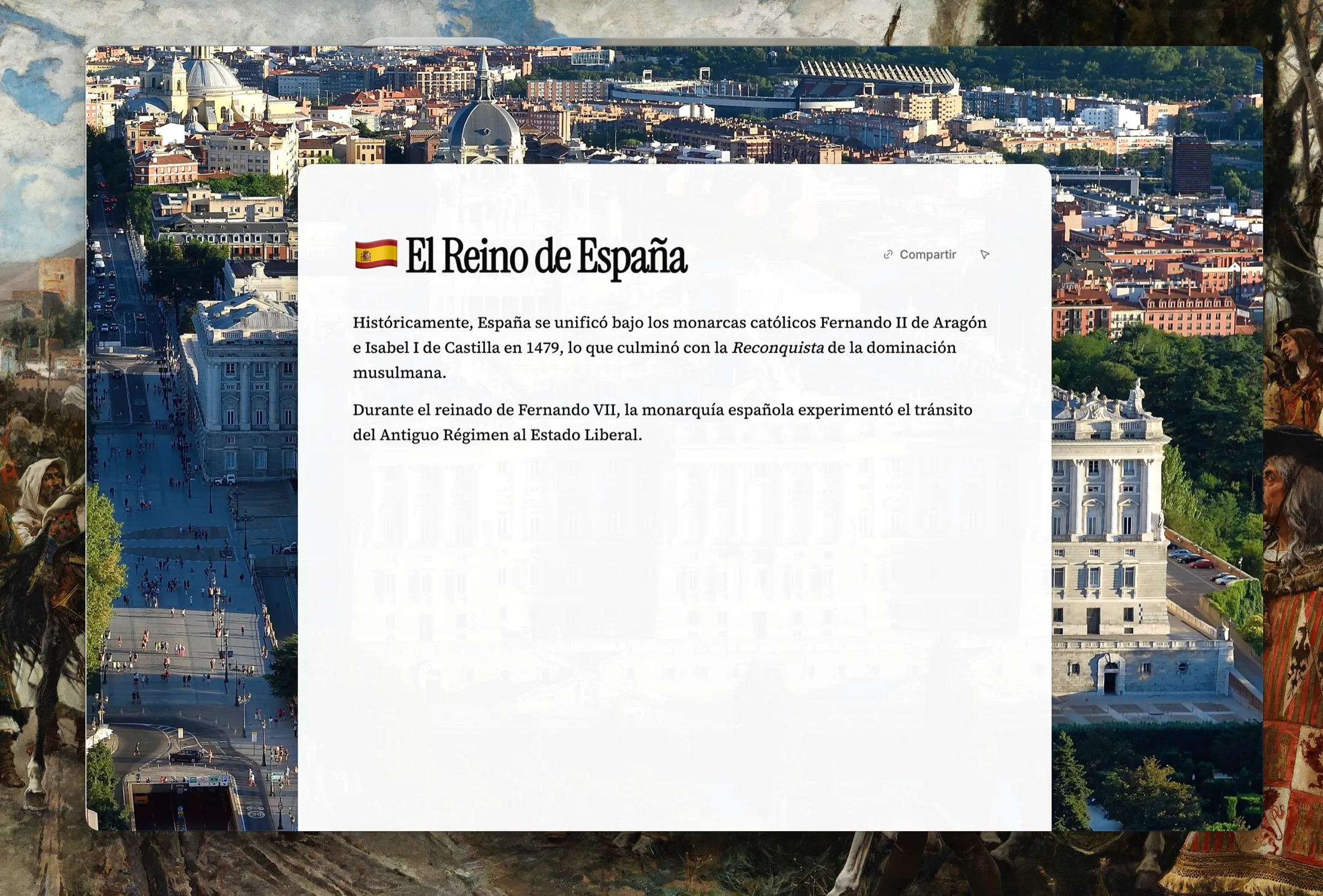
Rich text without the chrome. Headings, lists, tables, code, and images live in the document, and the controls appear where you need them rather than along the top of the window.
Drag a PDF in and it stays in the note at the point you dropped it.
Links
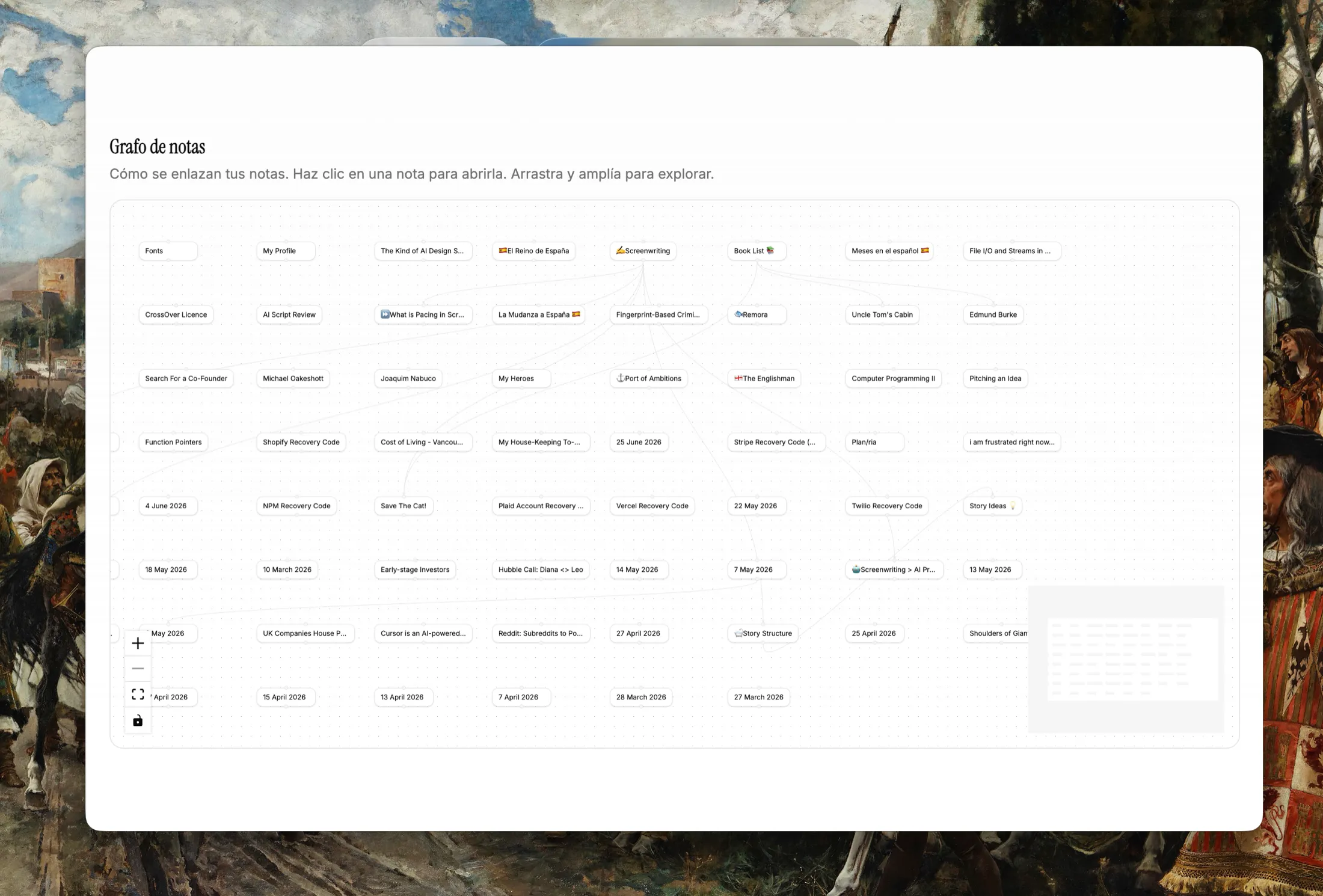
Connections you can see
Type @ to link one note to another. There is no
syntax to learn and no toolbar button to find.
The graph shows what your notes have grown into, and you can leave any note out of it.
Offline and sync
Your notes stay yours
Writing lands in local storage first. When the connection comes back, changes sync in the order you made them, with a backup you did not have to think about.
On a plane, on a train, or with the wifi off, the app behaves the same way.
Built for the Mac
Not a web page in a window
- Native window chrome
- Vibrancy, traffic lights, and a sidebar that behaves like a Mac rail rather than a web panel.
- Keyboard first
- Command palette on Mod+K, today’s note on Mod+D, history on Mod+[ and Mod+]. Keyboard actions never wait on animation.
- Quiet by default
- No streaks, no badges, no weekly report on how much you wrote.
Pricing
$19.49 a year, or $2.49 a month
One subscription covers the app, the graph, attachments, and sync. You subscribe from Settings after you install, and prices in checkout are shown in your currency.
Common questions
- Is there a free tier or trial?
- No. Download the Mac app from GitHub Releases, sign in, and subscribe in Settings to write and sync. See pricing for current USD guide prices.
- What does a subscription include?
- Writing, internal links, the note graph, attachments, and cloud sync with backup while you are signed in.
- Does Madrid work offline?
- Yes. Notes are written locally first and sync when you are back online, so a dropped connection never stops you writing.
- Where are my notes stored?
- On your Mac, and in your own row-secured space in the cloud while you are signed in. Attachments sit in private storage and are served through short-lived links.